Release 6 (BETA) 2025 November
This release brings major updates across iOS, Web, Backend, and 3D Design, improving the Discovery workflow, AR capabilities, markers, task handling, design processing, and the overall user experience.
iOS & AR Improvements
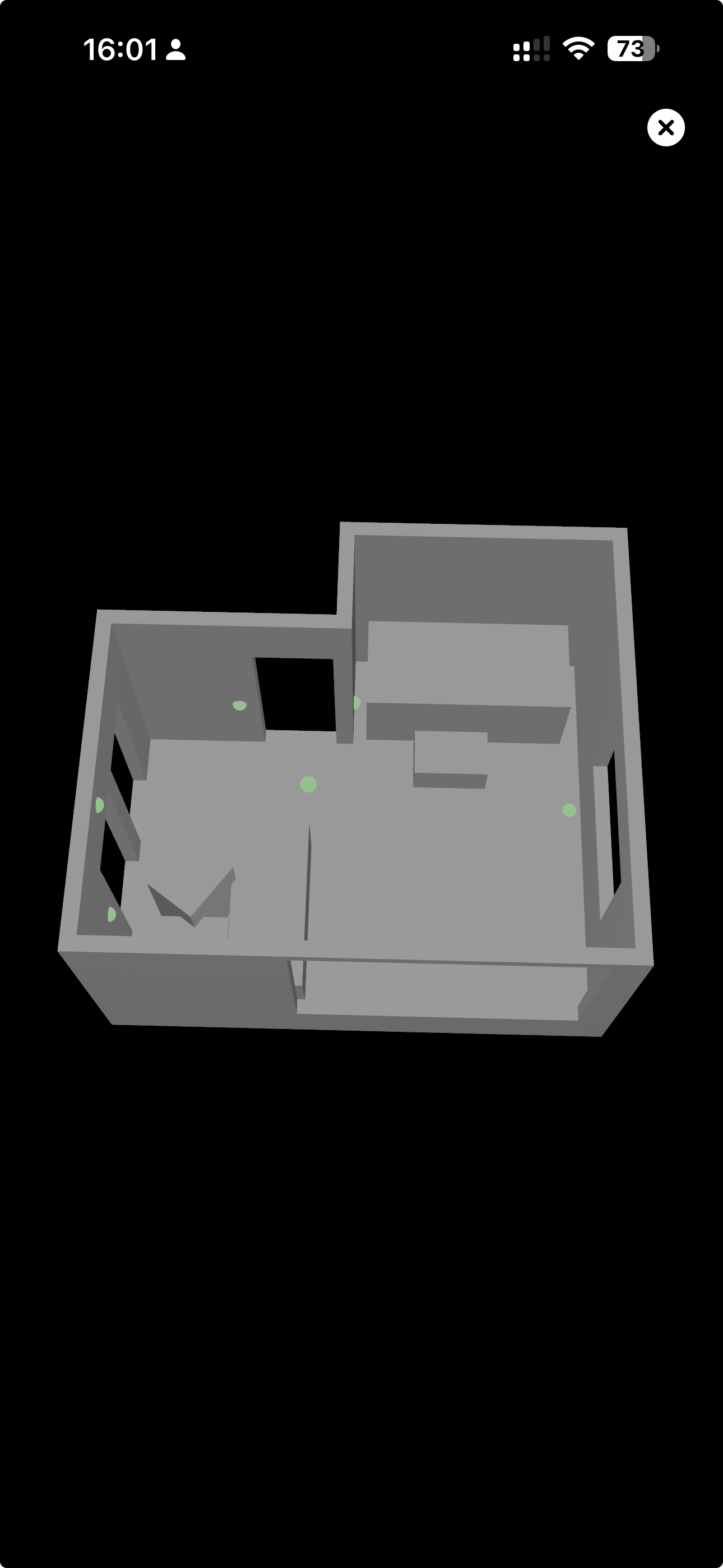
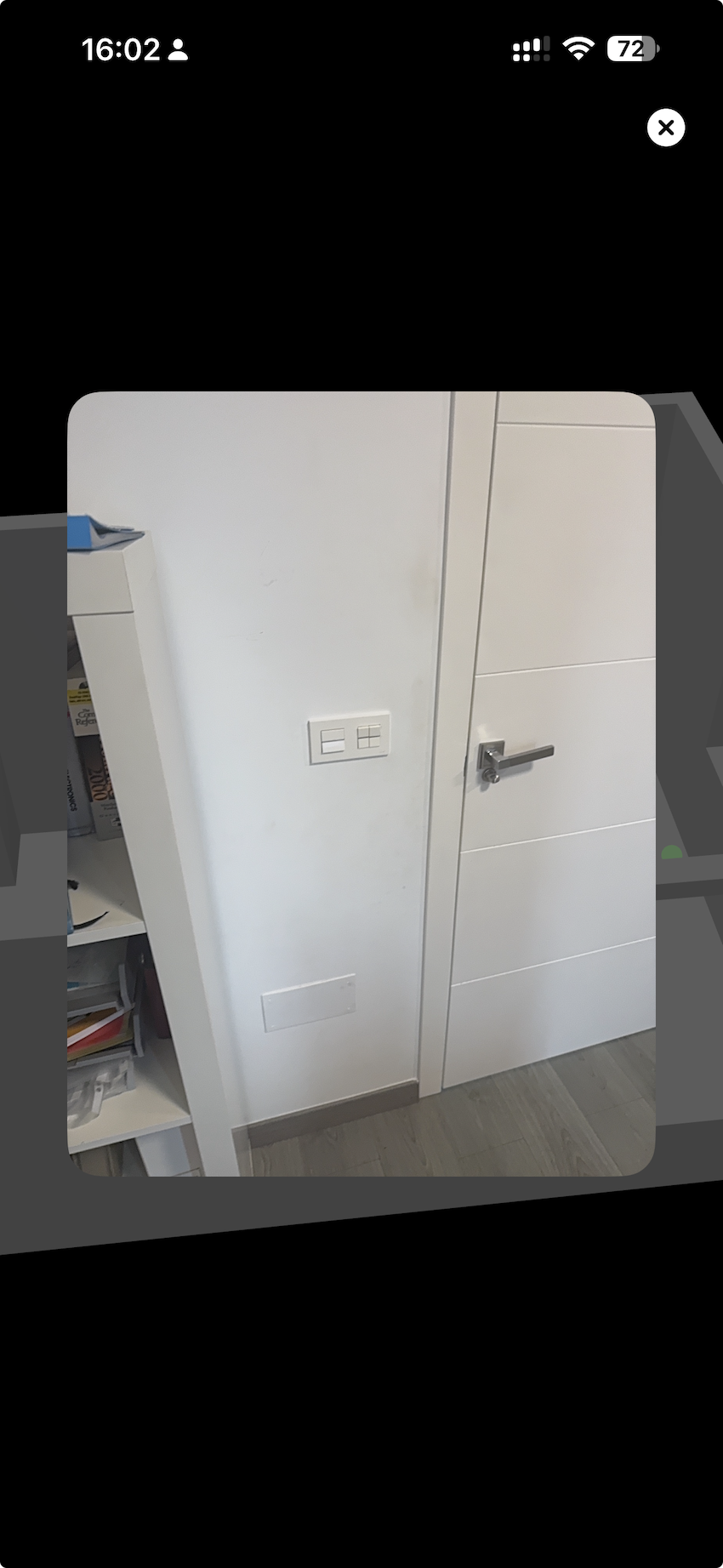
Display Markers Inside 3D Scan View
Users can now view all captured markers directly inside the 3D scan visualization.
Highlights
- Marker icons appear at correct coordinates
- Tapping reveals marker thumbnails
- Toggle markers on/off
- Works for both scan markers and standalone markers
- Uses the same UI as the post-marker-placement view
Screenshots
Swipe Between Markers in Fullscreen View
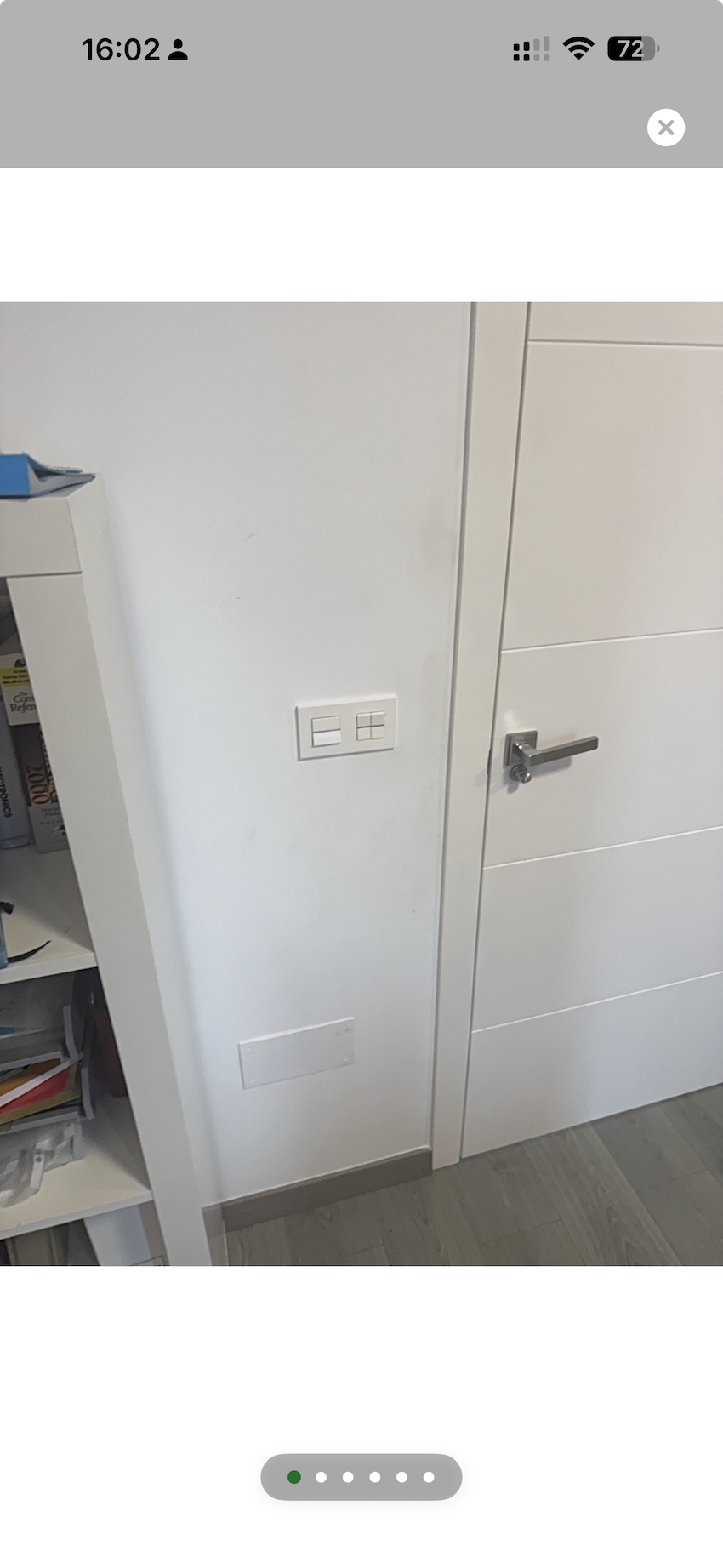
Users can now swipe horizontally between markers in fullscreen mode.
Highlights
- Swipe left/right to move between markers
- Smooth animated transitions
- Loops from last → first
- Works across any marker set
Screenshot
Handle Non-LiDAR Devices Gracefully
BMR Mobile now detects when the device does not support LiDAR and prevents crashes by showing a clear user message.
What's new
- Stable behaviour on non-LiDAR devices
- Clean fallback flows for:
- Scanning
- Markers
- AR placement (future)
Improved Acoustic Recording (Raw Audio Mode)
To support balloon-pop or manual impulse responses, BMR Mobile now records fully raw audio without Apple's processing.
Includes
AVAudioSessionmeasurement mode- Uncompressed PCM
- Disabled AGC, noise suppression, and echo cancellation
Results in much more accurate acoustic measurements.
Marker Coordinate Storage (Backend + iOS)
Marker captures now store precise metadata:
- Camera position
- Camera orientation
- Marker 3D coordinates
This enables accurate alignment between markers and the scan model.
Web Enhancements
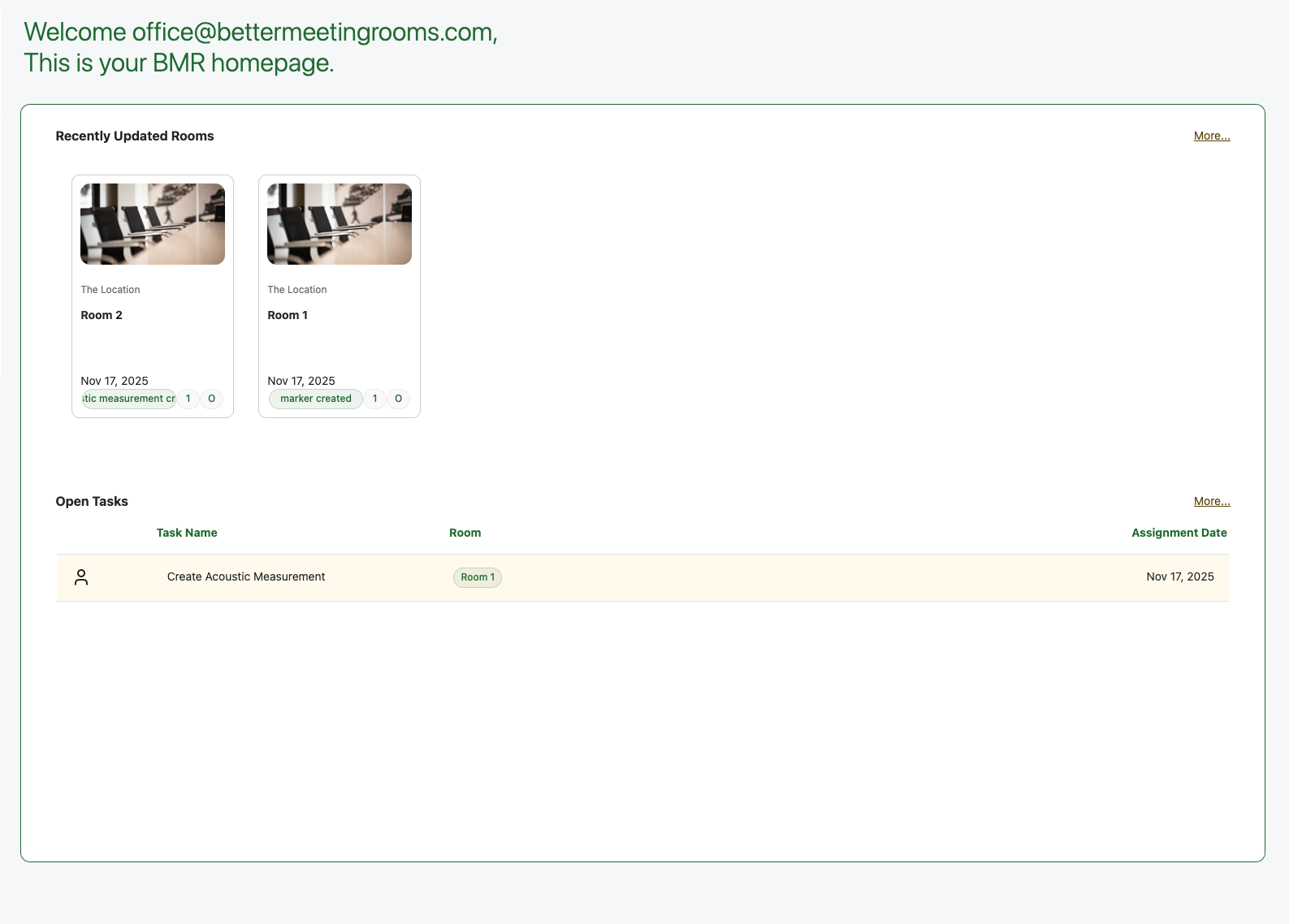
New BMR Web Landing Page (Activity + My Tasks)
A completely redesigned landing page shows:
- Recent room updates across your organisations
- Your open tasks, filtered by organisation
- A modern and clean layout
- High-priority information surfaced immediately
Screenshot
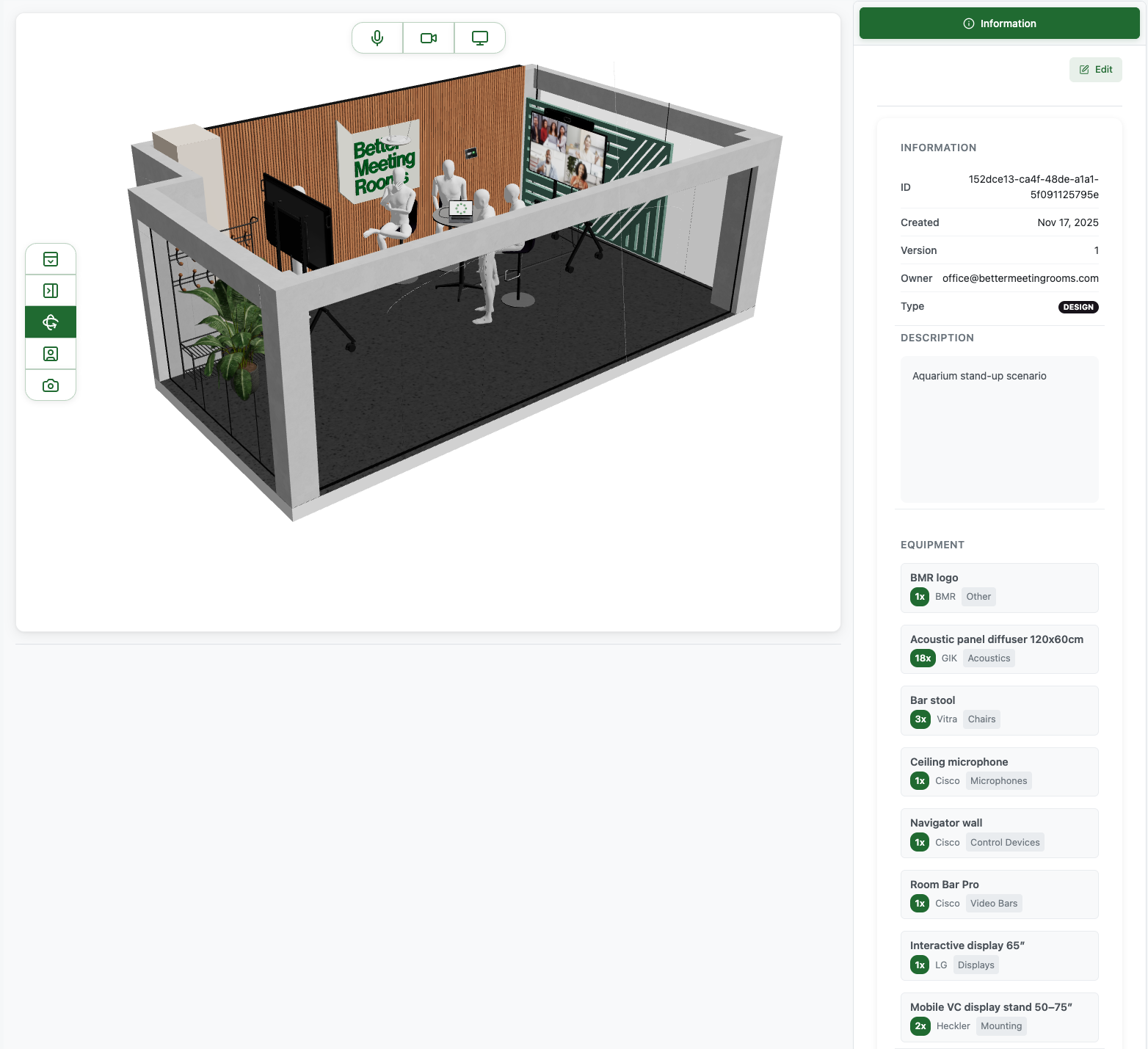
Automatically Populate Equipment List When Uploading a Design
The platform now automatically extracts equipment information from uploaded GLB files.
Highlights
- Reads
CatalogIDfrom 3D objects - Auto-generates equipment list
- No manual entry needed
Screenshot
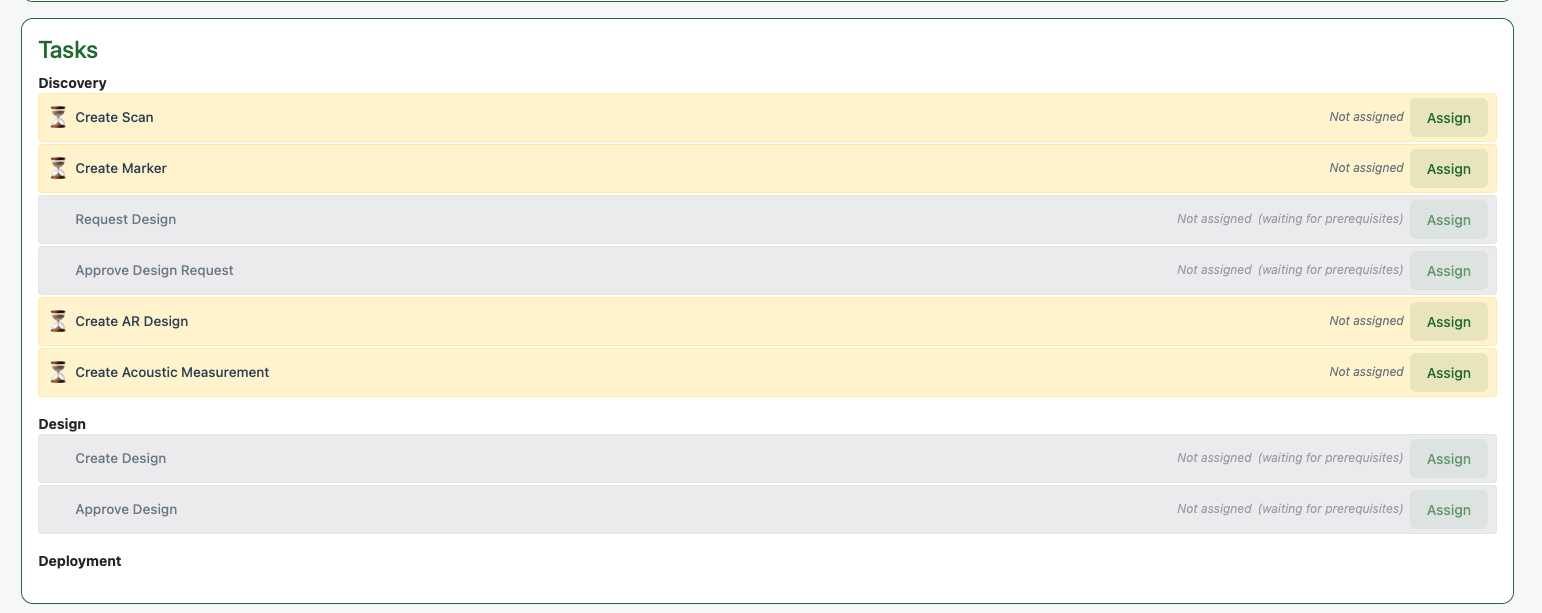
Assign New Task Types on Room Page
Two new Discovery tasks can now be assigned directly from a room:
- Create Acoustic Measurement
- Create AR Design (future feature)
Screenshot
Persistent Search Results
Search results are now fully preserved when navigating back.
Includes
- Previous search term
- Results list
- Scroll position
- No reloads required
Improved Room Details Page (Task Status UI)
The task status section now clearly displays:
- Discovery & Design tasks
- Completion timestamps
- Task owners
- Quick "View [item]" navigation
- Collapsible sections
Coverage View Toggle (One Active at a Time)
Camera / Screen / Microphone coverage layers now behave cleanly — only one can be active at a time.
Reduces visual noise and improves clarity.
Validation When Adding New User
A confirmation dialog now appears:
"Send invitation to [email]?"
Users can edit the email before sending — reducing accidental invitations.
Mandatory Description When Uploading a Design
The design upload form now requires a description, ensuring consistency and clarity.
Fix: Design Status Refresh
The design list now updates instantly after:
- Approving a design
- Requesting changes
No need to refresh manually.
Other Improvements
This release includes fixes to:
- Marker breadcrumbs
- My-Tasks visibility for organisation-level tasks
- Location deletion
- Back/Edit button alignment
- Task retrieval across organisations
UI & Visual Fixes
Navigation Bar Visual Improvements (iOS)
Resolved liquid-glass UI issues affecting:
- Title contrast
- Icon alignment
- Background appearance
Ensures a polished and consistent top navigation bar.
This concludes Beta Release 06 (November 2025).