Release 8 (BETA) 2026 January
This release introduces a major new Acoustic Flow alongside improvements to room progress visibility, scanning experience, and collaboration workflows — across both BMR Mobile and the Web Platform.
BMR Mobile (iPhone / iPad)
New Acoustic Flow
A completely new Acoustic Flow guides users step by step through acoustic assessment of a room.
The flow is designed to be guided, repeatable, and easy to understand, helping users perform reliable acoustic measurements directly in BMR Mobile.
Step-by-step Acoustic Flow
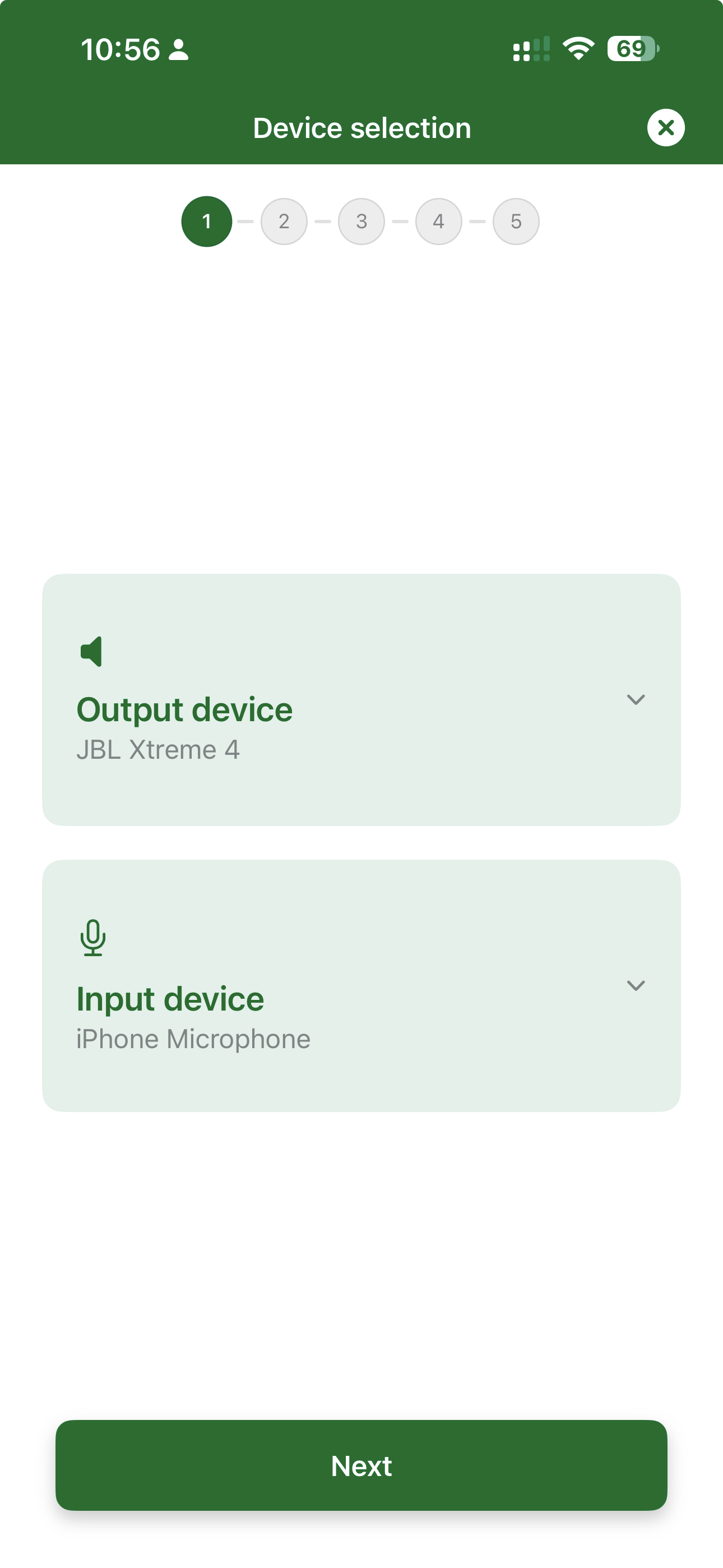
1. Room Setup & Measurement Guidance
Users are guided on correct phone and speaker positioning before starting the measurement.
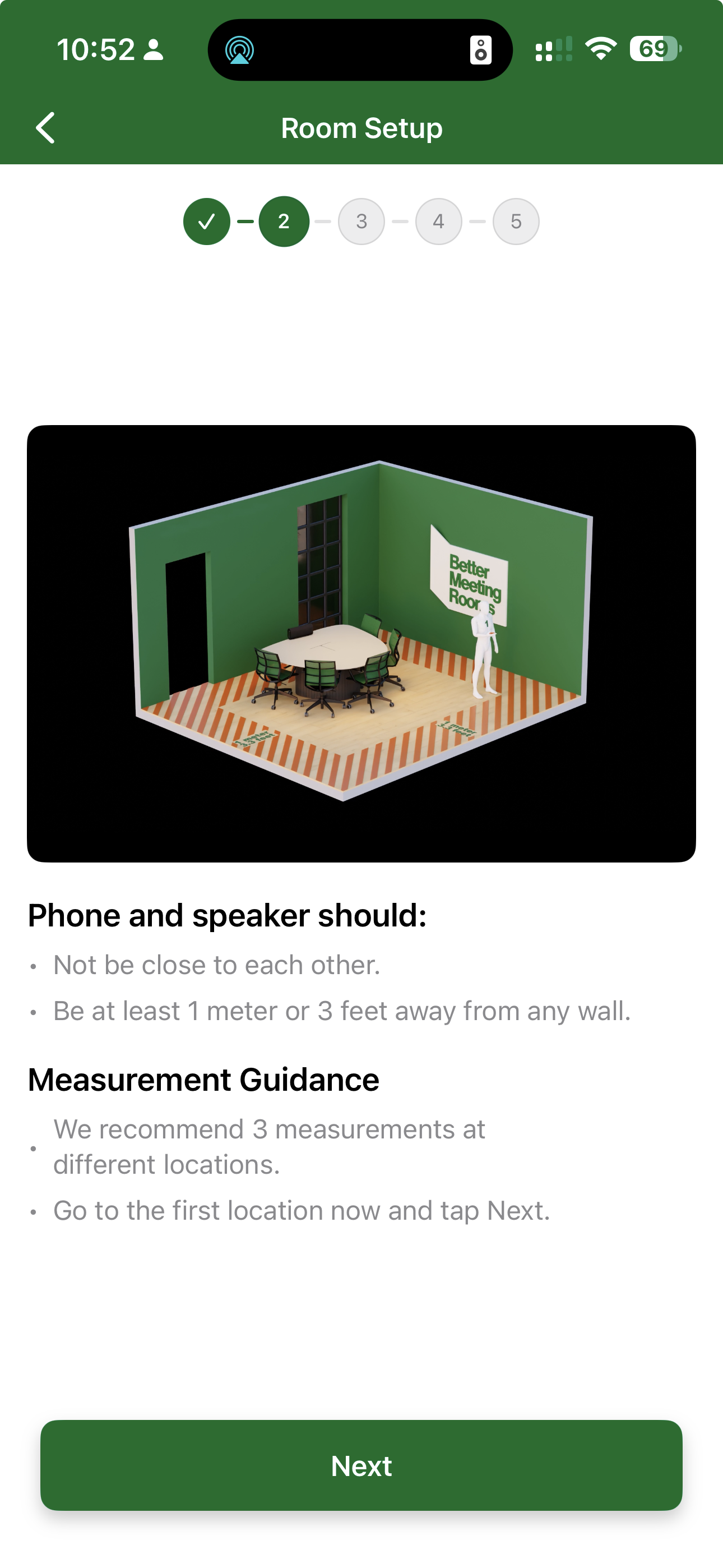
2. Device Selection
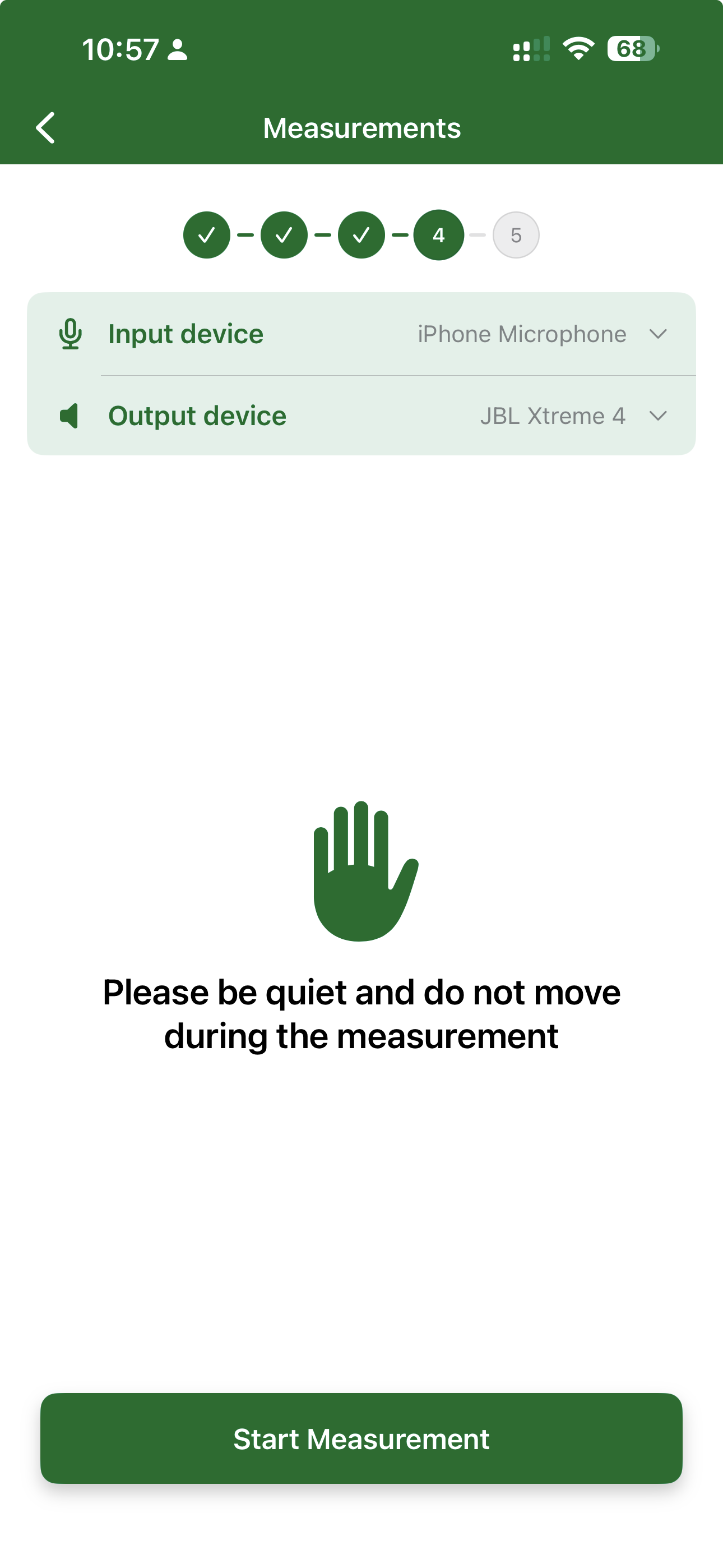
BMR Mobile clearly displays the selected input device (microphone) and output device (speaker).
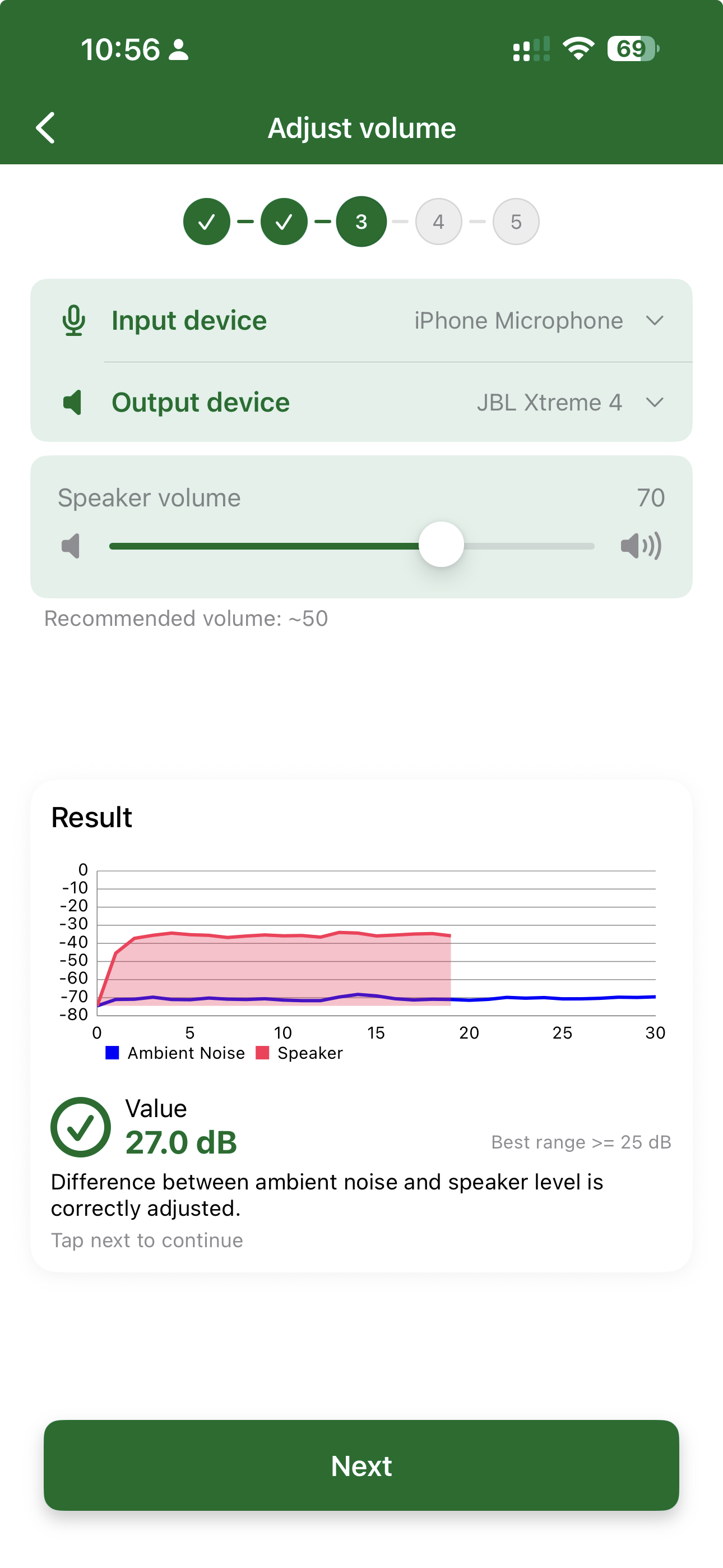
3. Volume Adjustment & Validation
Users adjust speaker volume to the recommended level.
BMR Mobile validates ambient noise vs speaker level before proceeding.
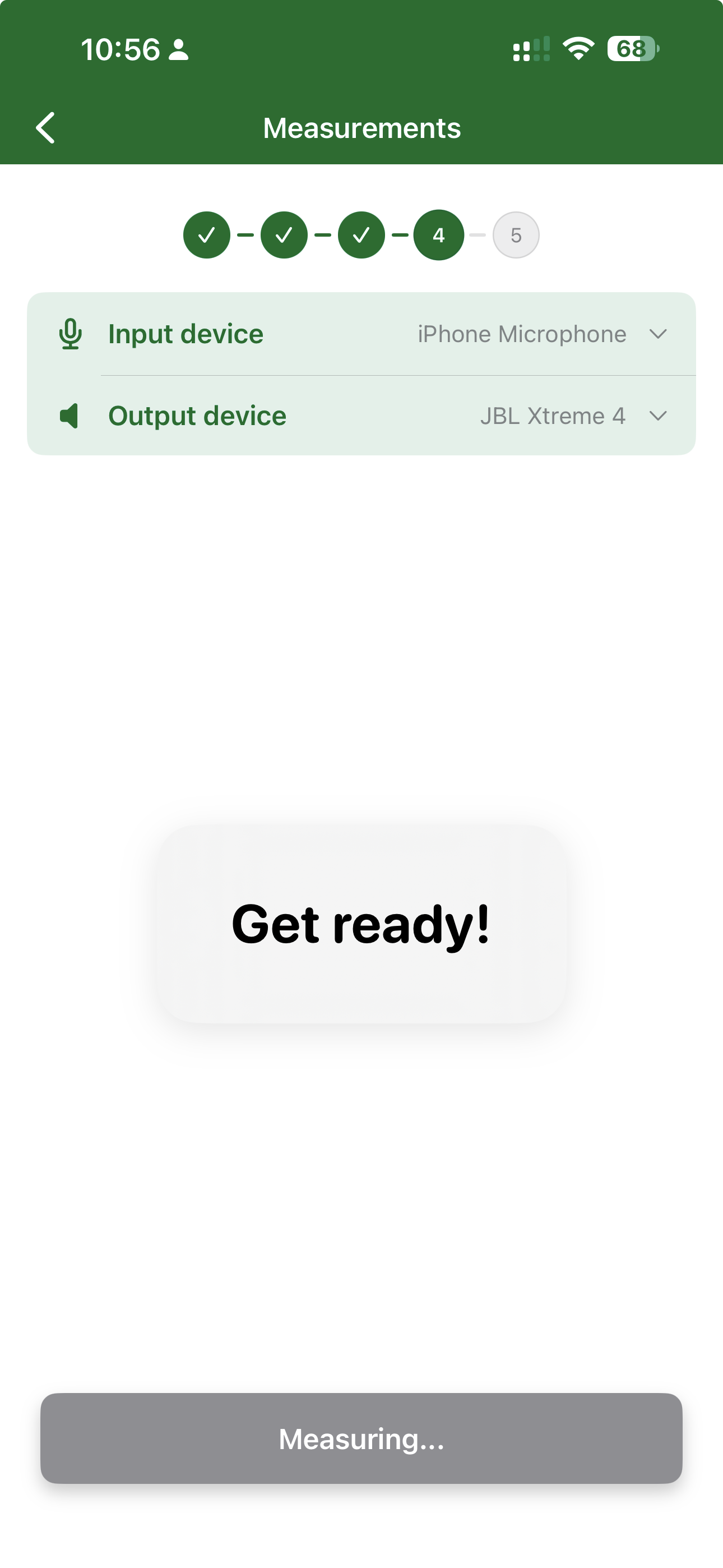
4. Measurement Preparation
Clear instructions ensure stillness and silence during the measurement.
5. Measurement in Progress
Visual feedback confirms the measurement is active and prevents accidental interruption.
6. Results & MOS Score
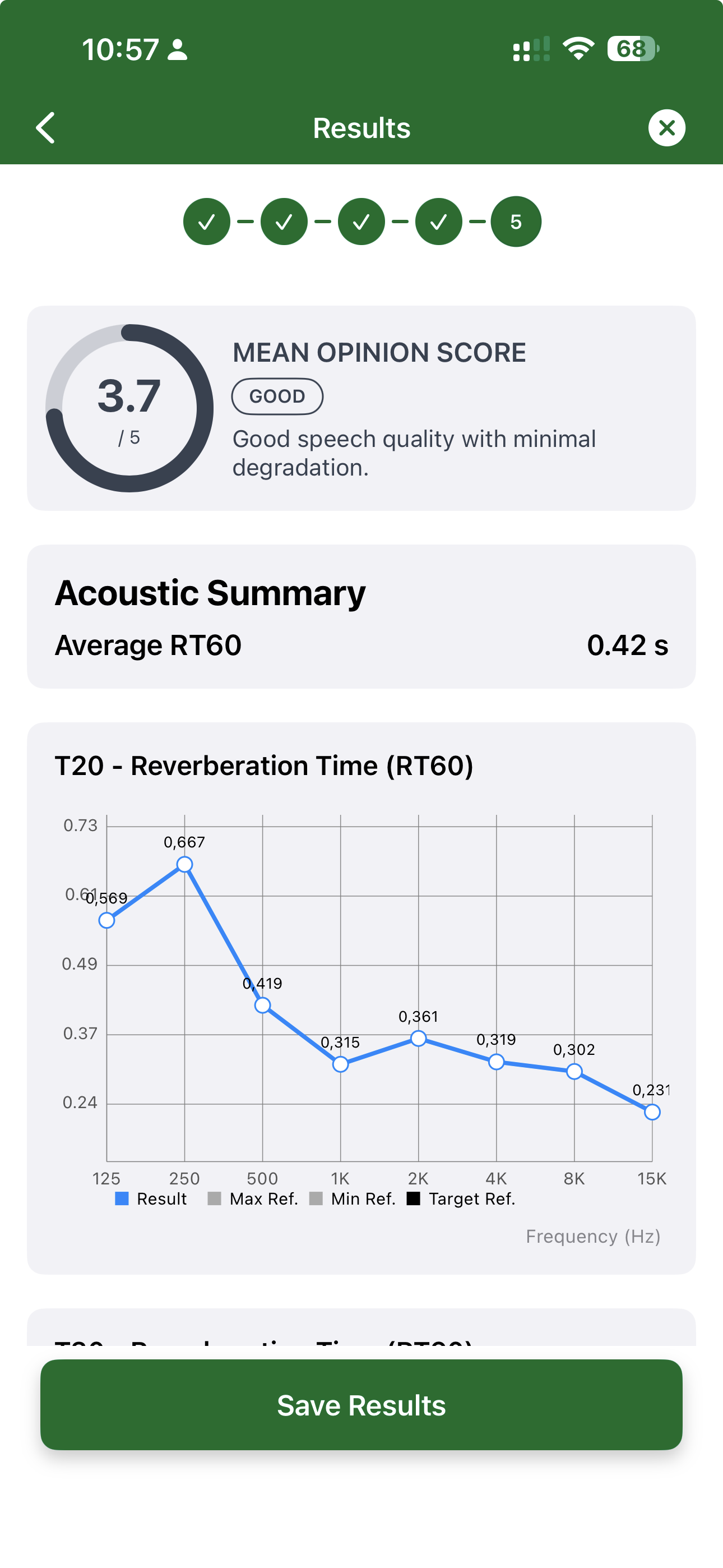
After completion, users receive:
- MOS (Mean Opinion Score)
- Acoustic summary (e.g., RT60)
- Frequency-based measurement graphs
This makes acoustic quality understandable at a glance.
Key Benefits
- Structured, guided acoustic measurements
- Reduced risk of incorrect setup
- Clear and understandable results
- MOS score based on research with our university partner
- Seamlessly integrated into the Discovery phase
Designs Available in the Library
Room designs are now accessible directly from the Library in BMR Mobile.
What’s new
- Designs can be viewed and revisited from the Library
- Easier comparison of design options
- Improved continuity between Discovery and Design phases
Improved Scanning Experience
Screen dimming is now disabled during scanning.
Improvements
- Better visibility while scanning
- Fewer interruptions during the scan process
- More reliable scanning in different lighting conditions
Room Progress Overview
BMR Mobile now shows room progress across the Discovery and Design phases.
Highlights
- Clear indication of completed steps
- Visibility into what is still pending
- Better understanding of next steps for each room
Web Platform
Improved Task Management
Task management on the web platform has been refined to support clearer collaboration.
Benefits
- Easier overview of assigned tasks
- Better tracking of progress across rooms
- Improved clarity around responsibilities
Recent Activity per Room
Each room now includes a Recent Activity section in the Details view.
What’s included
- Latest changes and updates
- Visibility into who performed each action
- Clear timeline of recent progress
Improved Organisation and Location Navigation
Navigation between Organisations, Locations, and Rooms has been improved.
Updates
- Clearer structure across hierarchy levels
- Easier movement between related areas
- Reduced friction when working with many rooms
What’s New
- New guided Acoustic Flow with MOS score
- Designs available in the Library on mobile
- Improved scanning experience (no screen dimming)
- Room progress visibility in BMR Mobile
- Improved task management and recent activity on the web
- Better organisation and location navigation